
Meet Ada™
Ada™ is your AI conversation partner, available 24/7 for speaking practice. Whether you want to prepare for a meeting, practice a presentation, or simply improve your fluency, Ada™ adapts to your level and interests. After each conversation, Ada™ generates a feedback report with corrections, vocabulary suggestions, and areas to improve — and your instructor uses this data to personalize your live lessons.
7 Tips for Better Ada™ Conversations
Use these strategies to get the most out of every Ada™ session.
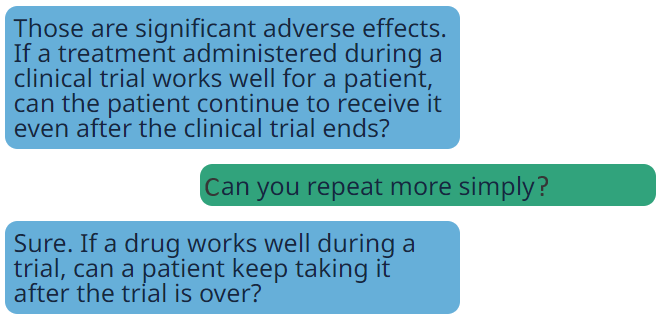
Ask Ada™ to Simplify
If Ada™ says something you do not understand, say "Can you repeat that more simply?" or "Can you say that in easier words?" Ada™ will rephrase in simpler language, which is a great way to build comprehension at your own pace.
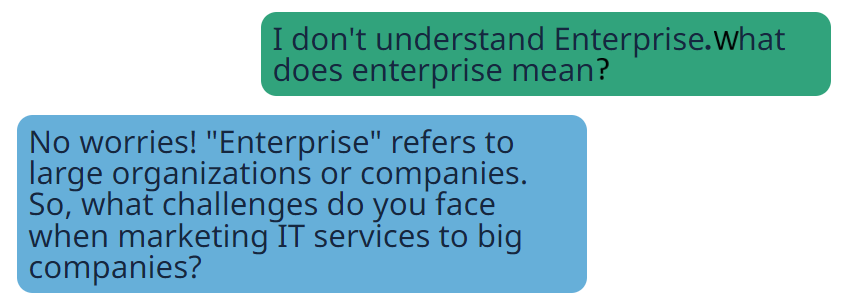
Ask About Unknown Words
When you encounter an unfamiliar word, say "I don't understand [word]" or "What does [word] mean?" Ada™ will explain the word in context and give you an example. This builds your vocabulary naturally during conversation.
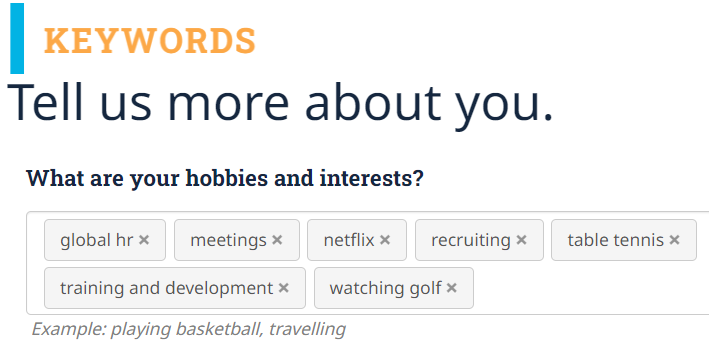
Add Keywords for Personalization
In your Ada™ settings, you can add keywords related to your job, industry, or interests. Ada™ will weave these topics into conversations, so you practice the English that is most relevant to your daily life.
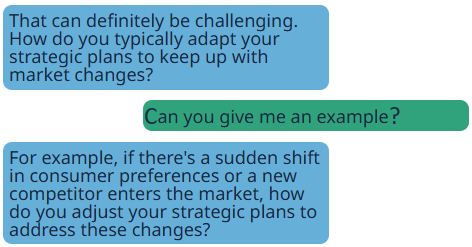
Ask for Examples
Say "Can you give me an example?" when Ada™ introduces a new expression or grammar point. Seeing a practical example helps you understand how to use the phrase in real situations.
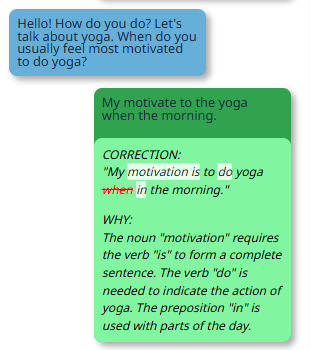
Toggle Correction Display
In Ada™ settings, you can choose to see real-time corrections during your conversation or hide them to focus on fluency. Toggle this setting based on whether you want to focus on accuracy or confidence building in each session.
Review Conversation History
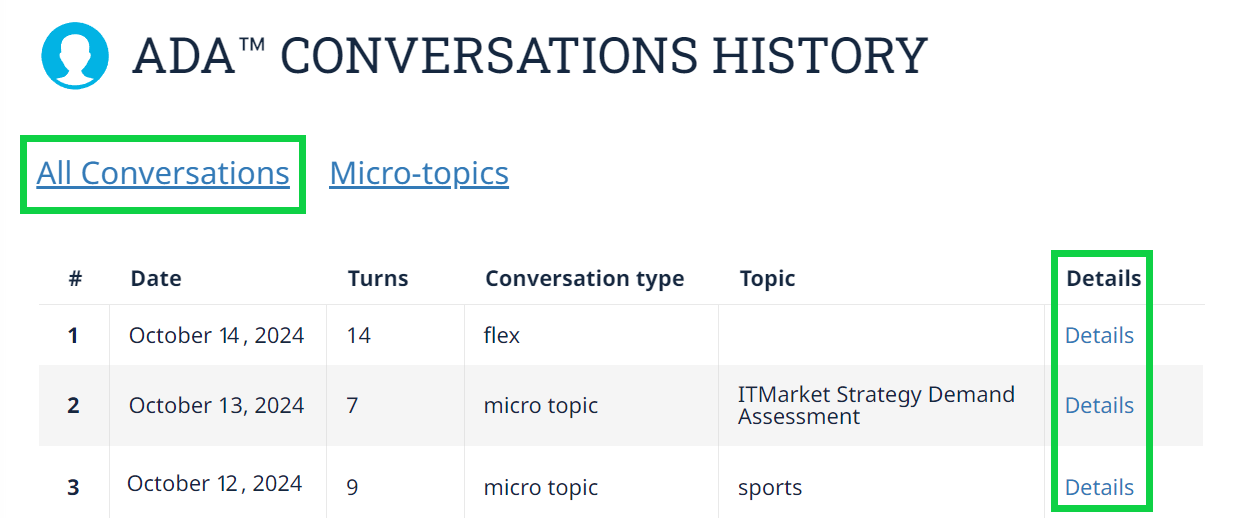
After each Ada™ session, check your Conversation History in the dashboard. It includes a full transcript, corrections, and vocabulary suggestions. This is valuable review material and a great source of words for Vocabtivate™.
Track Your Micro-Topics
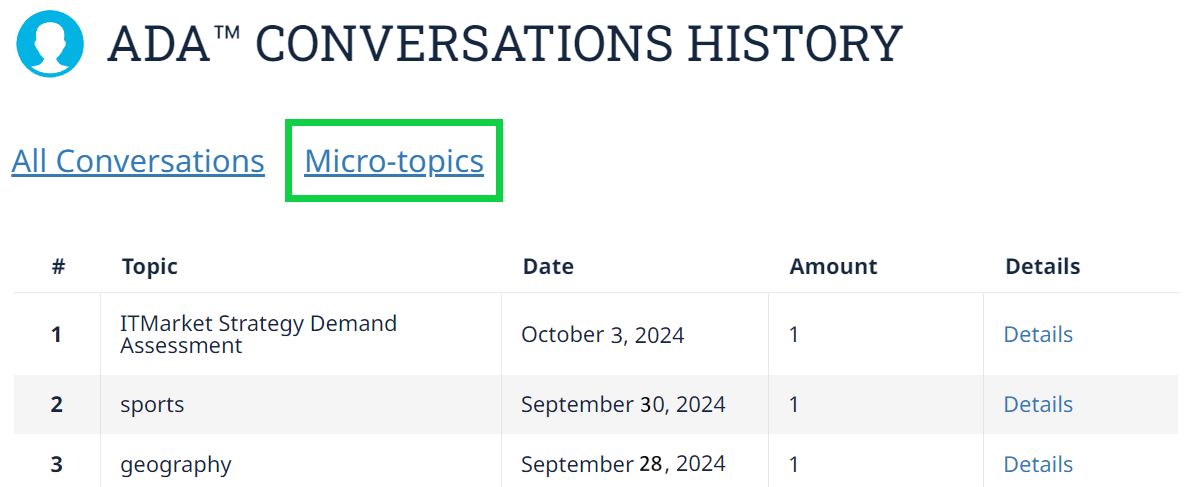
The Micro-Topics tab shows your progress across different conversation themes. Each Micro-Topic tracks how many sessions you have completed and your performance. Use this to identify areas where you need more practice.
Repeat Micro-Topics for Confidence You can repeat any Micro-Topic as many times as you like. Repeating a topic is not a sign of failure — it is one of the most effective ways to build confidence and fluency. Each time you revisit a topic, you will find yourself speaking more naturally and making fewer mistakes.